Find local games
Browse nearby games and open seats so it is easier to find something that fits your schedule
Find games. Meet players. Play more.
Find local Mahjong games, join leagues and matches, and connect with players nearby. Whether you are looking for a social table, a standing game, or your next league, Seven Bam helps you play more with good people close to home.

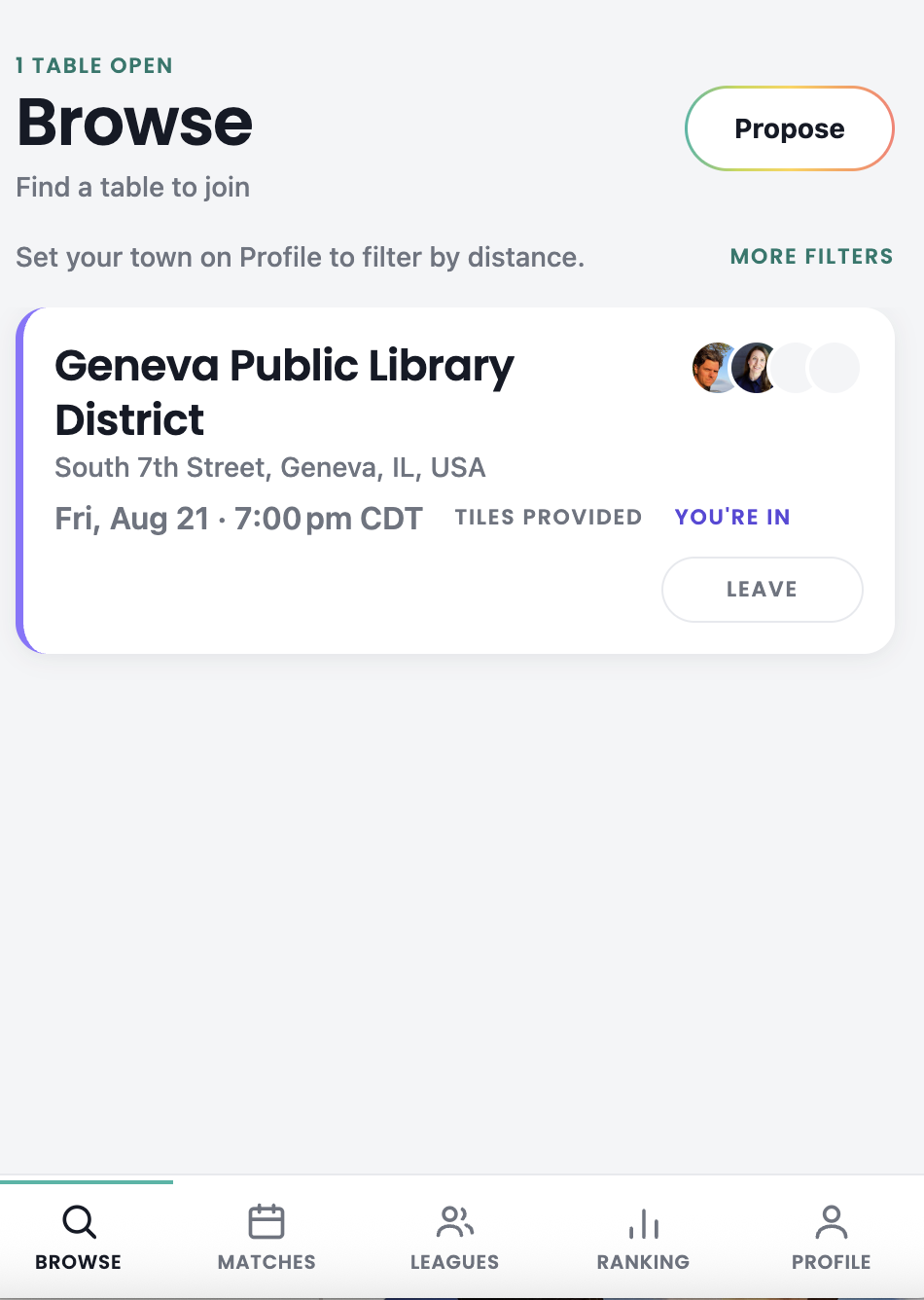
Fri, Aug 21 · 7:00 PM CDT
Standings, meetups, and members in one place
Seven Bam is built for the social side of Mahjong — the friends you already play with, the new players you want to meet, and the local games that bring people together
Seven Bam keeps local play, scheduling, leagues, and player connection all in one place
Browse nearby games and open seats so it is easier to find something that fits your schedule
Post your own game with the date, time, and location, then let players join in
Keep up with recurring games, league schedules, standings, and community play
Connect with friendly players in your area and build a stronger local Mahjong community
Explore local games, leagues, and open seats near you
Choose a game that works for your day, time, and location
Show up, enjoy the game, and upload scores when the match is done
Track results, follow the leaderboard, and find your next game even faster
Tap through the parts of Seven Bam you’ll use most
Browse open games, see who is playing, and quickly tell whether a seat is available
Connect with players who love the game as much as you do
From social games to competitive leagues, there is a seat for you
Regular games and league opportunities make it easier to keep playing
Seven Bam is an app that helps players find local American Mahjong games, connect with other players, and manage leagues, matches, and open play
No. Seven Bam works for both social games and organized league play
Yes. Hosts can post games, share details, and let other players join
No. It is for anyone who wants to find games, meet players, and play more
Yes, and you can put it on your home screen so it opens in one tap. Tap Sign In / Create Account first, so you are looking at the app rather than this page — your phone saves whichever page is open, so doing it from here would save the website instead. Once the app is open: on iPhone, tap Share in Safari and choose Add to Home Screen; on Android, tap the three-dot menu in Chrome and choose Add to Home screen. You stay signed in, so there is nothing to install and nothing to update
Use Seven Bam on the web now — sign in or create your account to get started